

Payments
Create the payment methods available in Plur-e Mobile — they must mirror the General Journal Batches in Business Central — and store the Stripe keys.
Quick answer
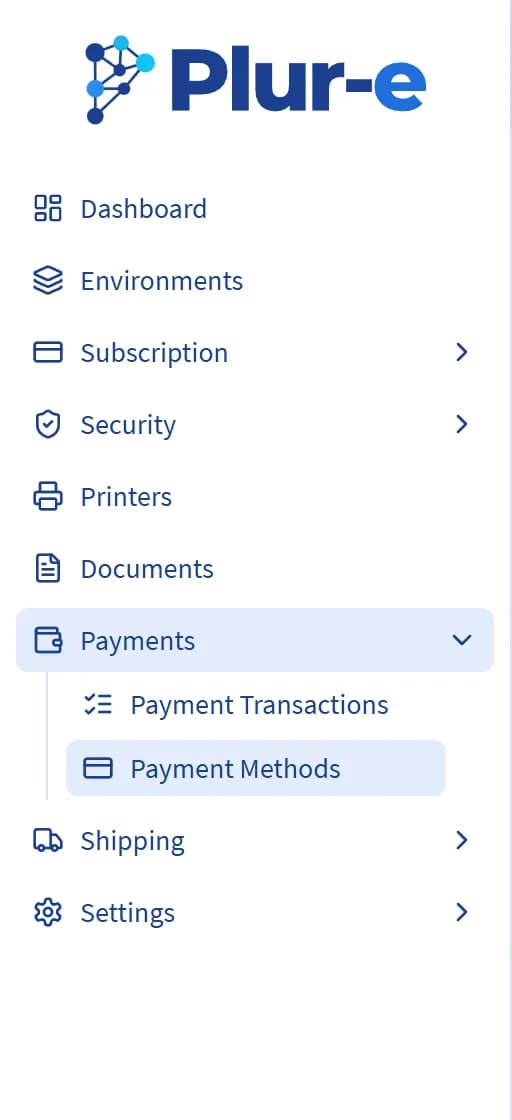
Payments → Payment Methods is where you create, edit or delete the payment methods shown in the app for an environment. Each method must correspond to a General Journal Batch under the Payments template in Business Central. Payments → Payment Transactions lists the card operations processed through Stripe, and Settings → Payment Gateway (Stripe) stores the keys that link the card gateway.
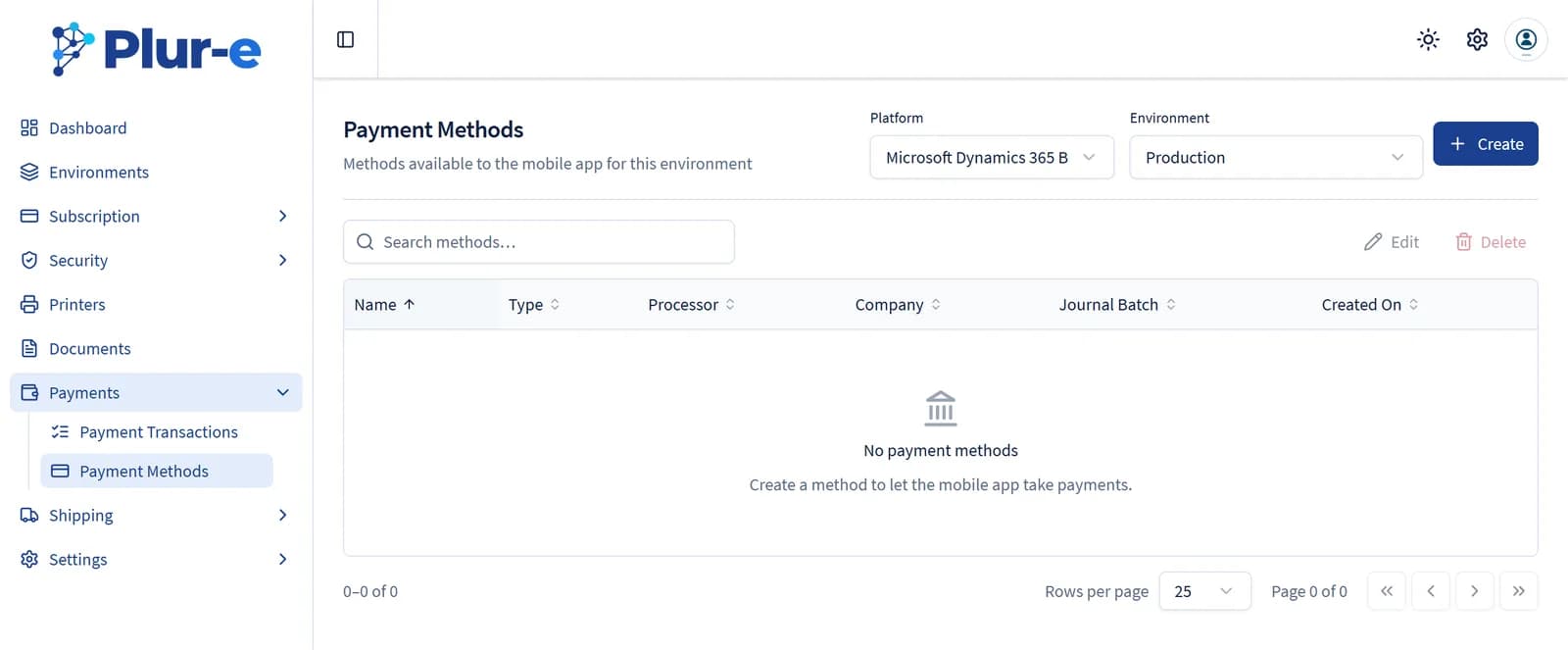
Payment methods
Pick the platform and environment at the top of the page; the list shows the methods of that environment with their type, processor, company and journal batch.
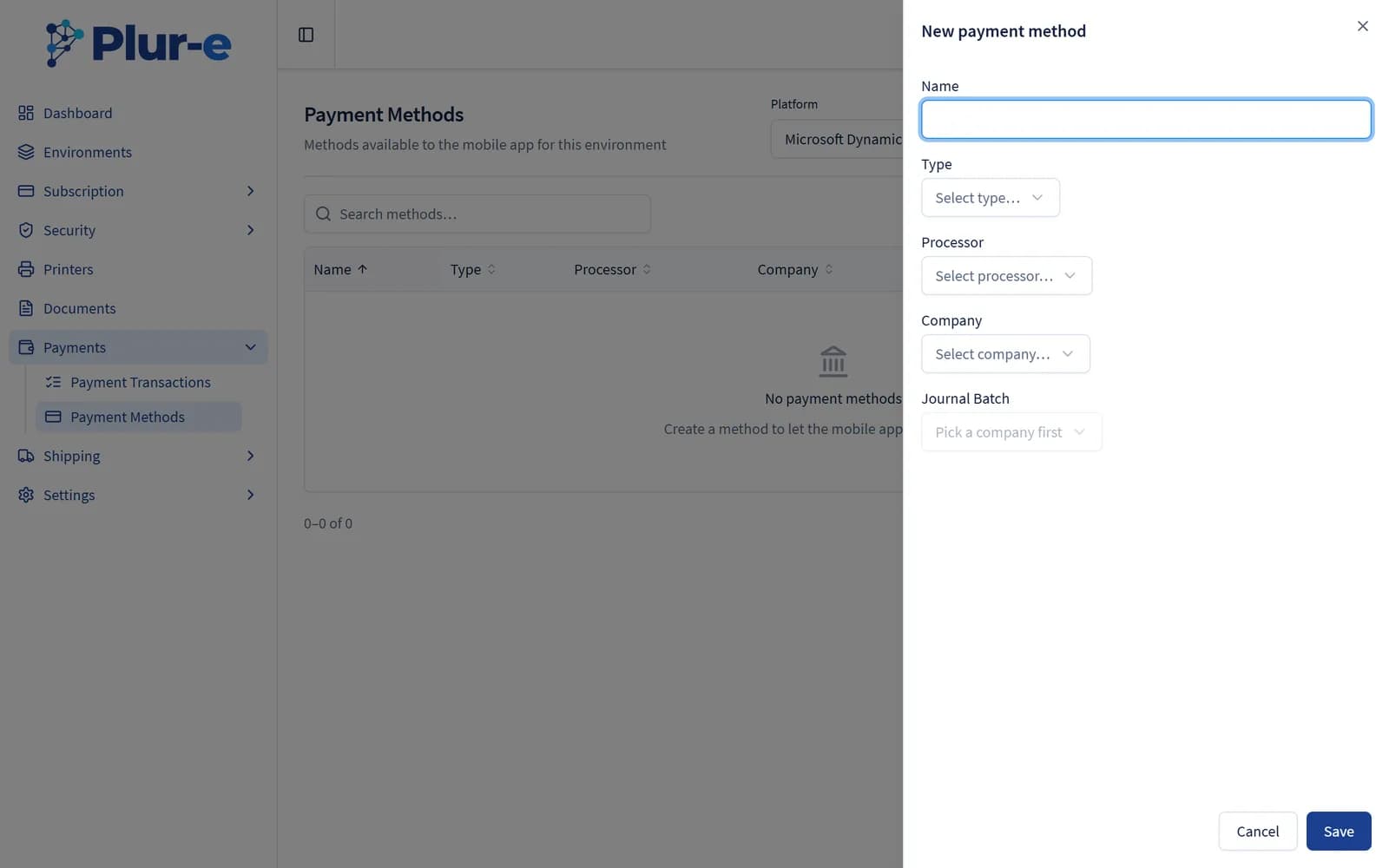
Create or edit a payment method
Select Create (or select a row and Edit). Give the method a Name, pick its Type (Cash, Card, Transfer, Check), the Processor (Stripe for cards), the Company and then the Journal Batch loaded from Business Central.
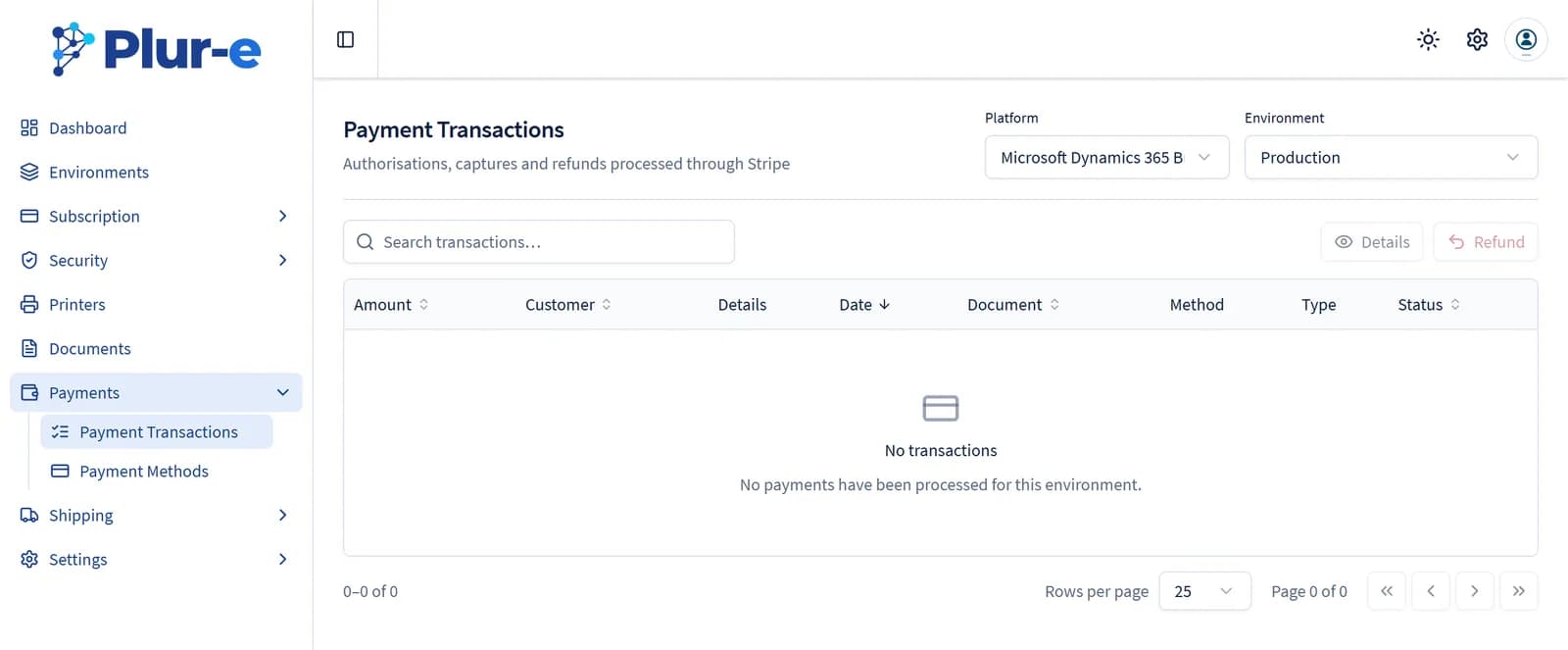
Payment transactions
Payments → Payment Transactions lists the authorisations, captures and refunds processed through Stripe for the selected environment. Select one to see its Details or issue a Refund.
Stripe keys
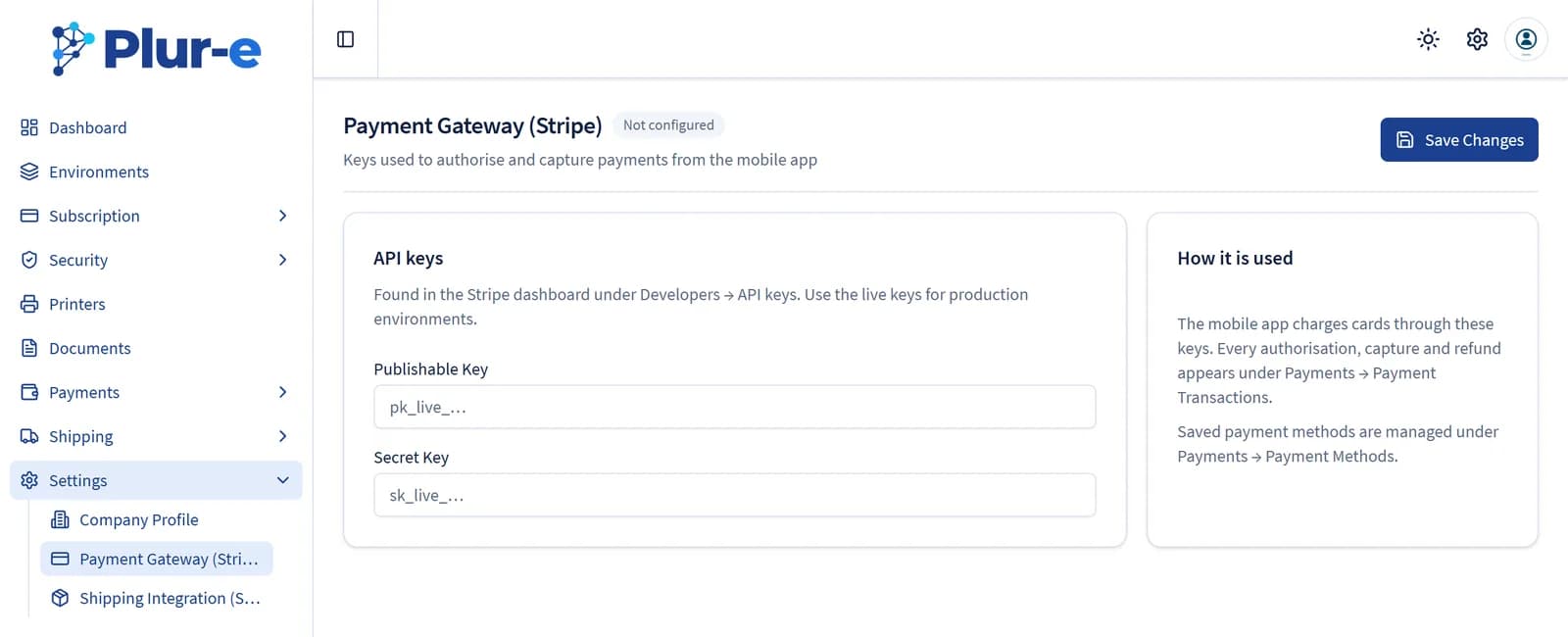
The Publishable Key and Secret Key live under Settings → Payment Gateway (Stripe). Use the live keys for production environments; the badge next to the title shows whether the gateway is configured.
The full procedure — Business Central template and batches first, then the Admin Center — is in Payments module → Set up in the Admin Center.
Last updated on
Edit on GitHub