

Subscription
The Subscription section shows your current Plur-e plan and opens the Stripe customer portal to manage billing.
Quick answer
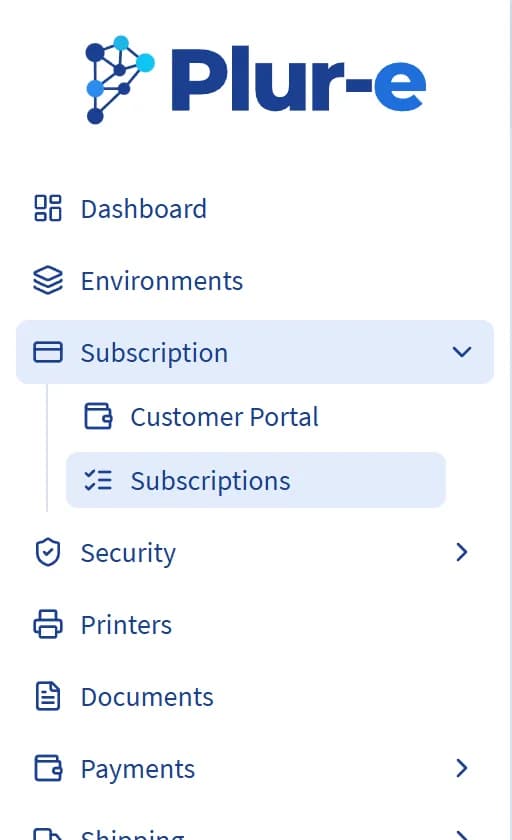
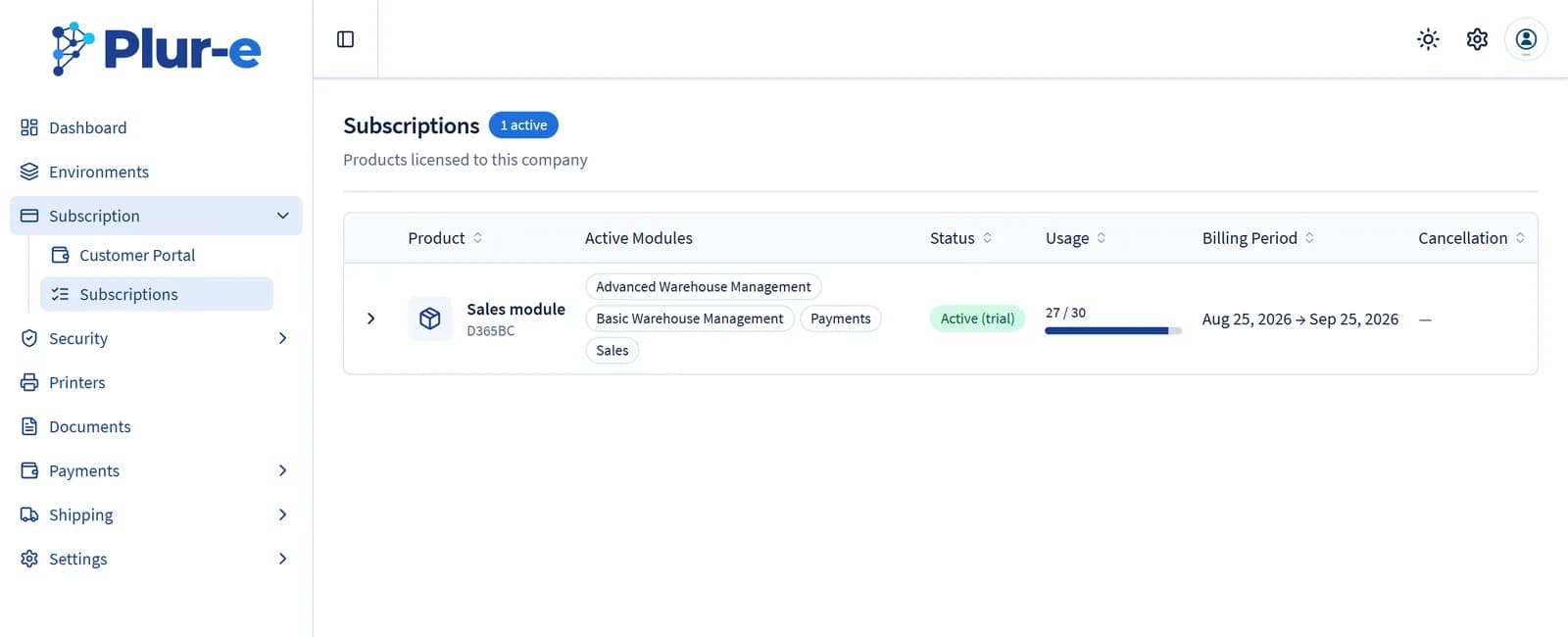
Subscription → Subscriptions lists the products licensed to your company with their active modules, status, licence usage and billing period. Subscription → Customer Portal opens the Stripe portal, where you manage payment details and invoices.
Plans and prices are listed on the pricing page. Modules subscribed here determine which number series the Plur-E Setup wizard pre-selects.
Last updated on
Edit on GitHubEnvironments
Review the Business Central environment connected to Plur-e, edit its settings and run Test connection against the extension.
Users
Manage the account users who sign in to the Admin Center and the mobile users who sign in to Plur-e Mobile — subscriptions, roles, environments, ERP user and location per module, password reset, activation and deletion.