

Admin Center overview
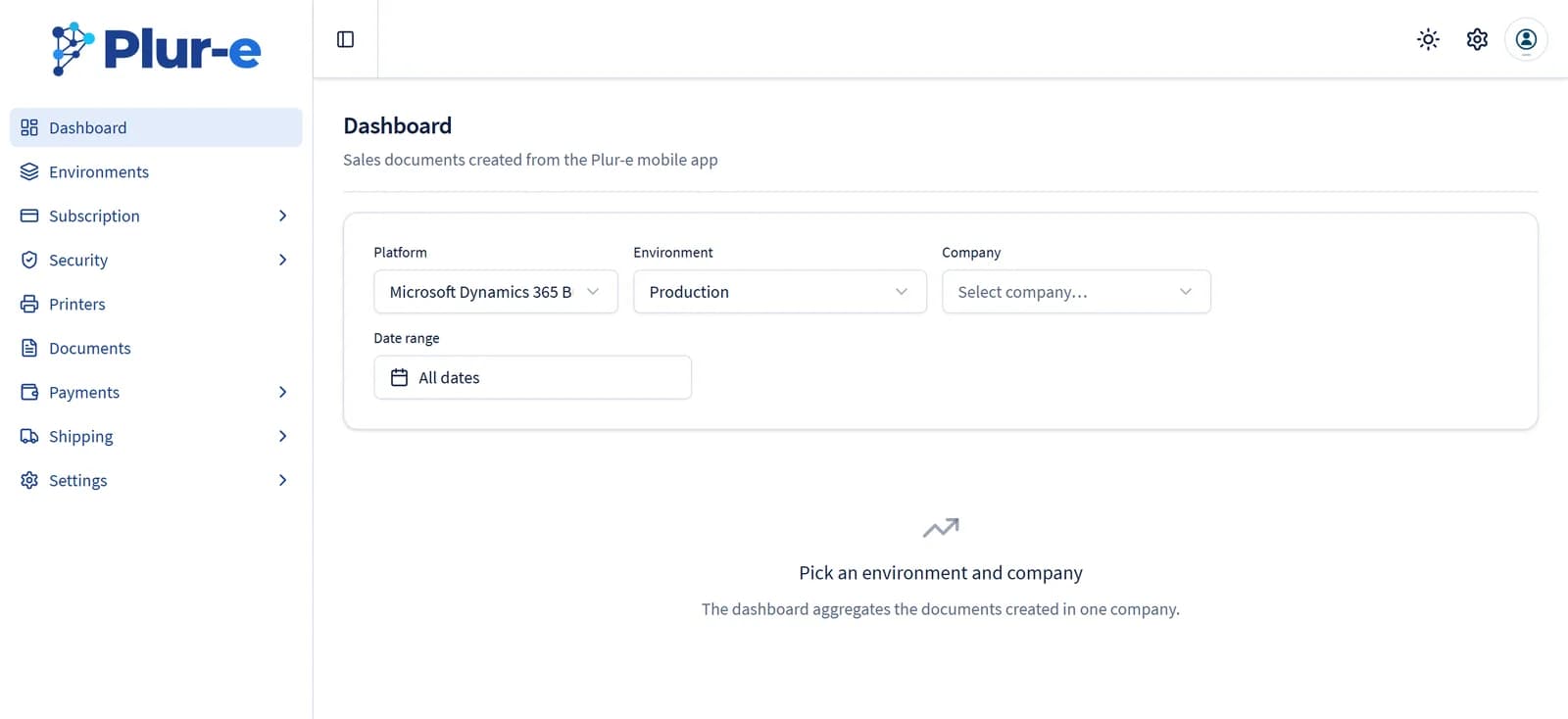
The Plur-e Admin Center (admincenter.plur-e.com) is where administrators manage environments, subscription, account and mobile users, roles, printers, documents, payments, shipping and the company settings.
Quick answer
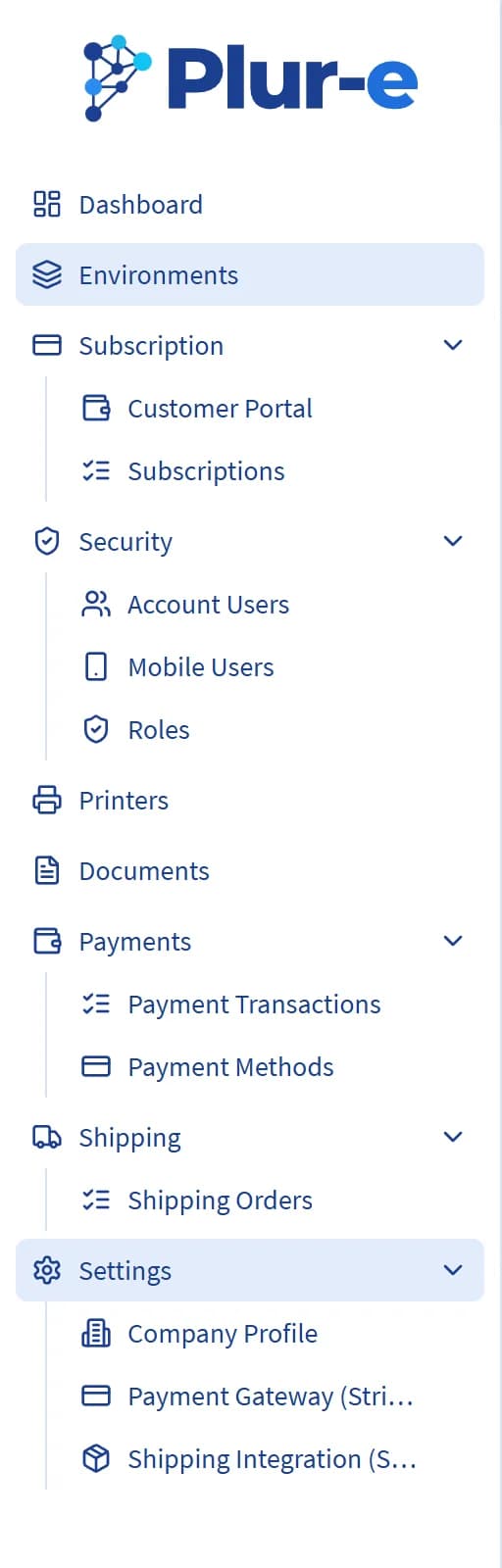
The Admin Center is the web console for Plur-e. Its sections are Dashboard, Environments (Business Central connections), Subscription (plans and the Stripe customer portal), Security (account users, mobile users and roles), Printers, Documents (print queue and history), Payments (transactions and payment methods), Shipping (ShipStation orders) and Settings (company profile, Stripe and ShipStation credentials).
| Section | Use it to | Guide |
|---|---|---|
| Dashboard | See the sales documents created from the mobile app for one environment and company | — |
| Environments | See the Business Central environments with the extension, edit them and test the connection | Environments |
| Subscription | Check the licensed products and modules and open the Stripe customer portal | Subscription |
| Security → Account Users | Invite or create the people who sign in to the Admin Center | Users |
| Security → Mobile Users | Create mobile users, reset passwords, activate or inactivate, assign environments and roles | Users |
| Security → Roles | Create roles per subscription and environment | Roles |
| Printers | Register printers used by Plur-e Printer and get their Printer Key | Printers |
| Documents | Review the print queue and reprint documents printed from the app | Documents |
| Payments | Review Stripe transactions and create the payment methods used by the app | Payments |
| Shipping | See the orders exchanged with ShipStation | Shipments |
| Settings | Company profile, Stripe keys (Payment Gateway) and ShipStation credentials (Shipping Integration) | Payments · Shipments |
Access
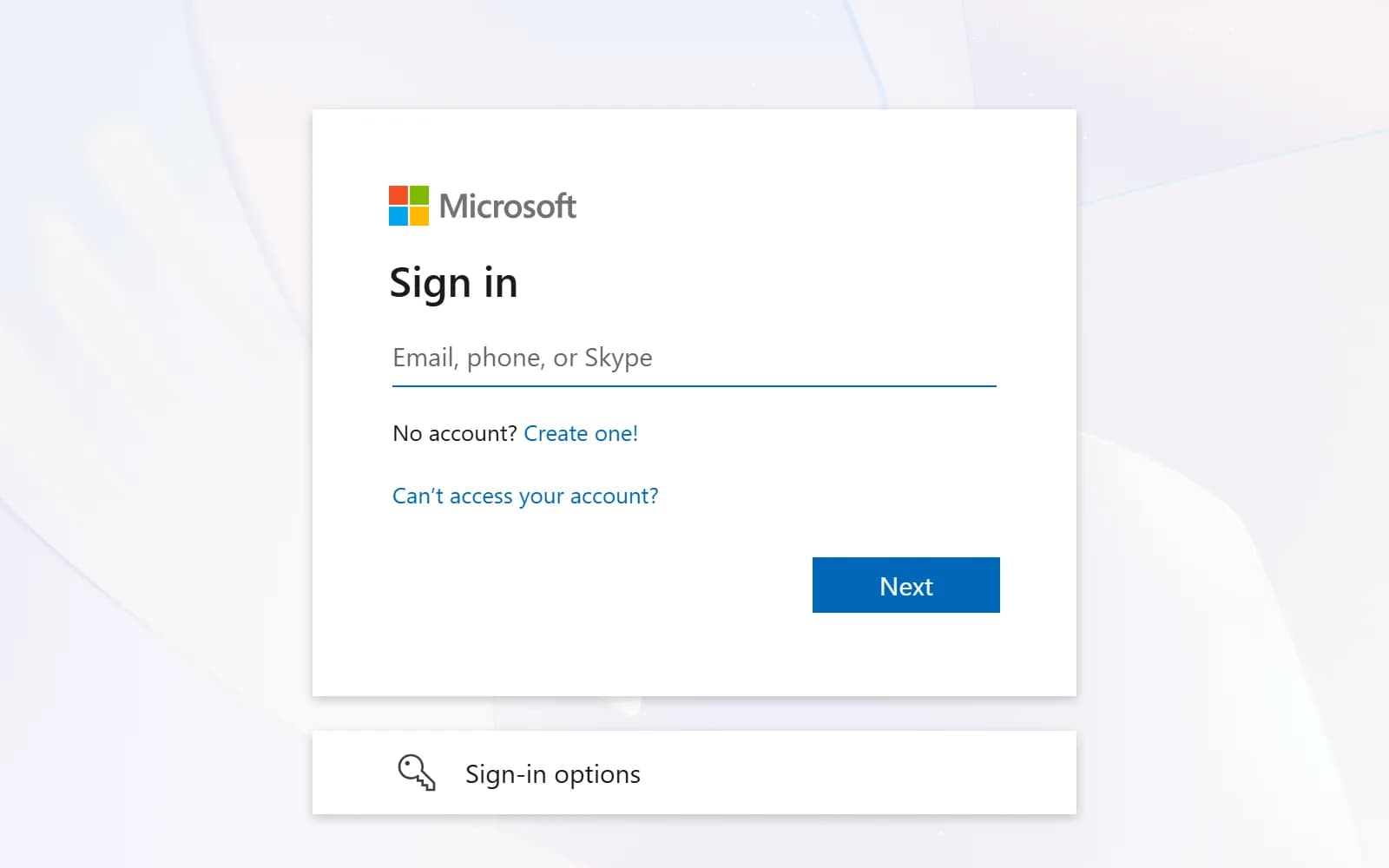
You receive the Admin Center link from Plur-e Support after the extension is installed, and it is also linked from the Plur-E Setup page in Business Central. Sign in with the Microsoft account (Entra ID) that was invited as an account user for your company.
Last updated on
Edit on GitHub