

Documents
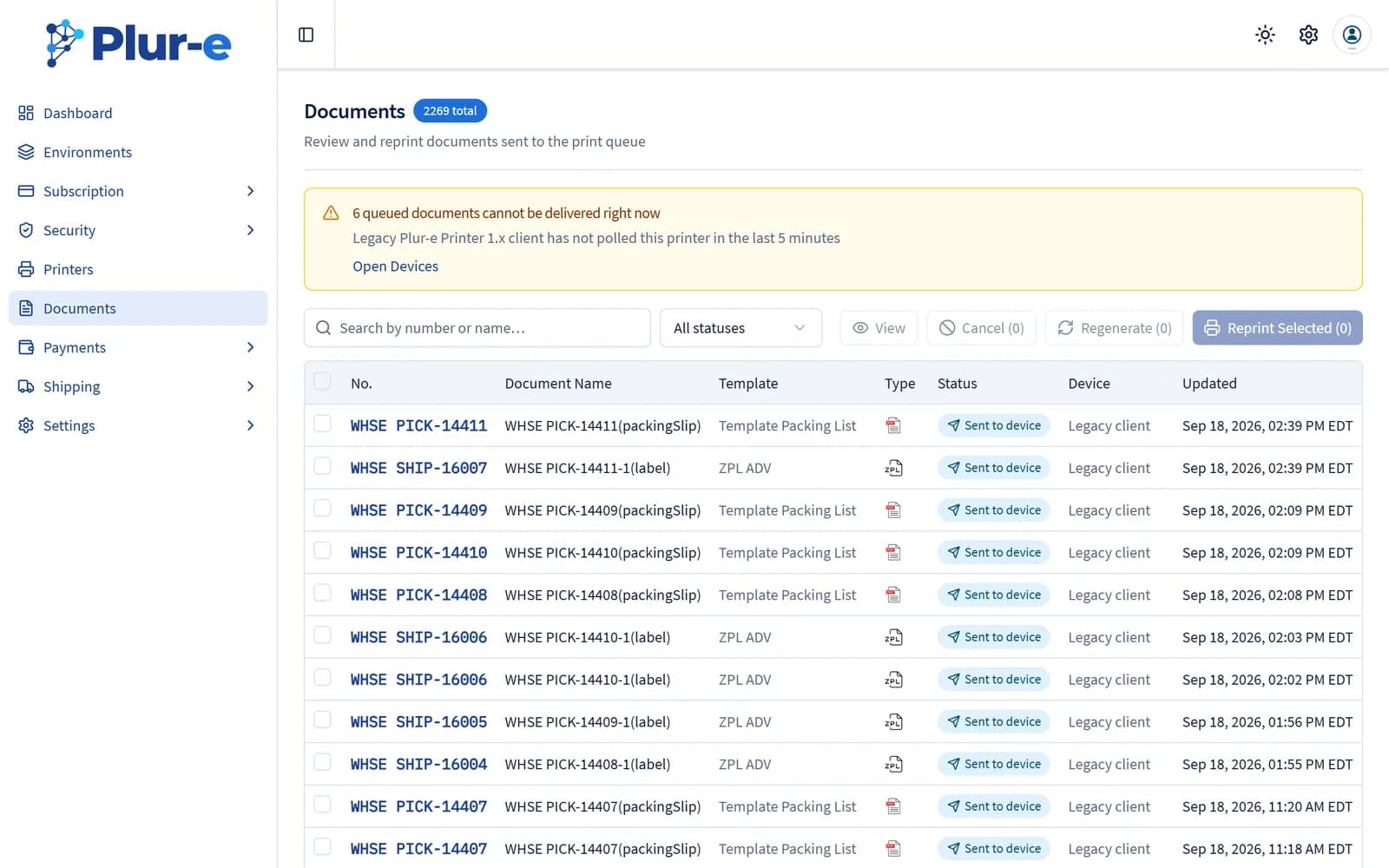
The Documents section keeps a history of everything printed from Plur-e Mobile, lets you open each file in its original format and reprint it.
Quick answer
Documents lists every document sent to the print queue from the app with its template, status and device. Select entries to View them in their original format, Reprint them, Regenerate them or Cancel queued ones. A banner warns when queued documents cannot be delivered because a printer agent has stopped polling.
Related: Document history and reprint
Last updated on
Edit on GitHubPrinters
Activate the printers reported by Plur-e Printer, register others by hand, edit them and copy the Printer Key used by Business Central and Plur-e Mobile.
Payments
Create the payment methods available in Plur-e Mobile — they must mirror the General Journal Batches in Business Central — and store the Stripe keys.