

Sales · Field & remote sales
Works offlineTake sales orders anywhere — with or without signal
Customers, items, prices and stock from Business Central on the rep's phone. Orders captured offline become Business Central sales orders when the connection returns.
Quick answer
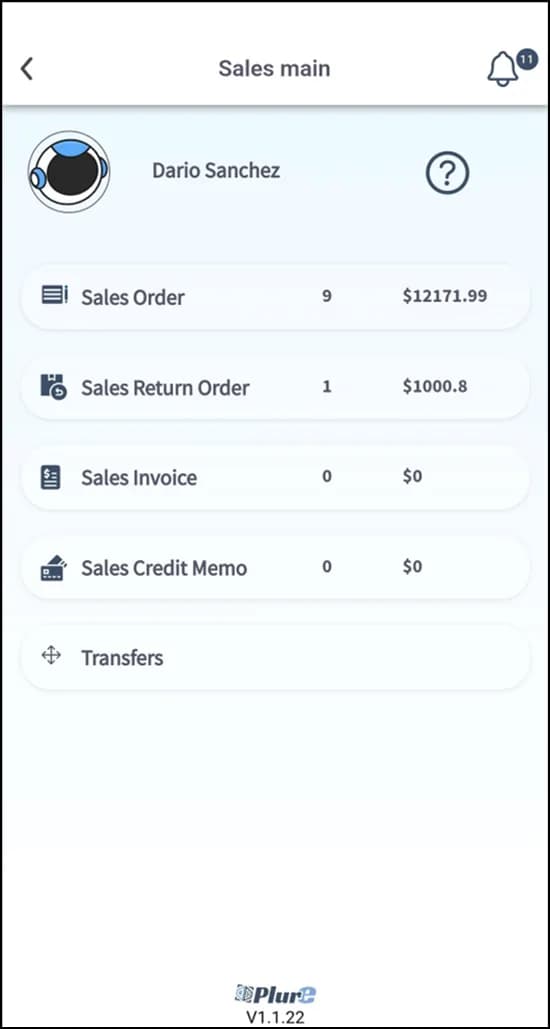
Plur-e Sales gives salespeople the four Business Central sales documents on an Android device — sales orders (with partial or complete shipment), sales return orders, sales invoices and sales credit memos — with customers, items, units of measure, locations and prices synchronized from Business Central. Lines are added by search or by scanning with the camera or a Zebra scanner; documents are validated in Business Central. The user needs sales permissions and must exist in Salespeople/Purchasers.
Orders written in the truck, typed in the office
Every re-typed order is a delayed order and a chance for a wrong item or price. Plur-e captures the order once, against real Business Central data, where the customer is.
How it works
Sales: how it works
Pick the customer
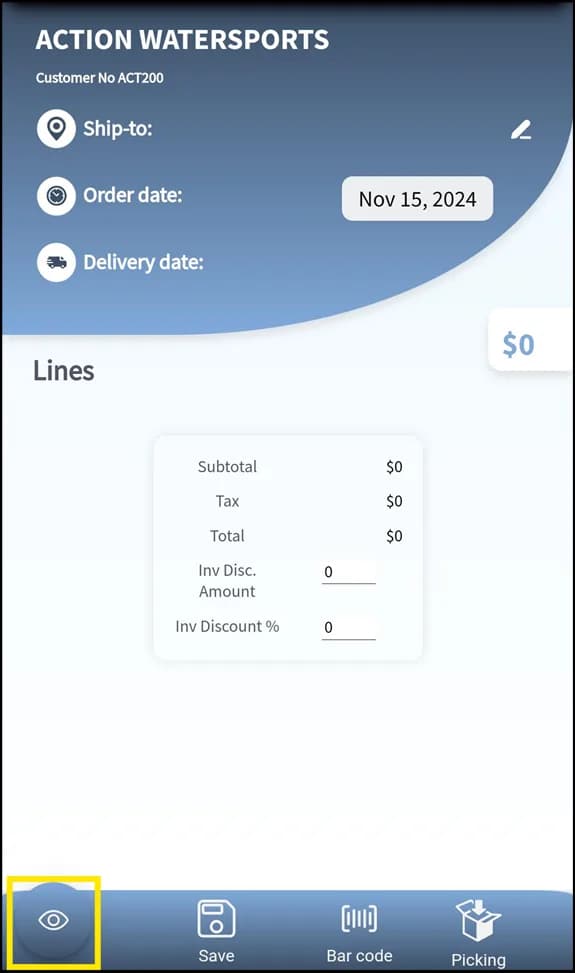
Search by name, ID or account number; verify status, ship-to and bill-to addresses and the delivery date.
Add lines
Search by code or name, or scan the barcode. Set location, unit of measure and quantity; availability is shown per location.
Choose partial or complete shipment
For partial shipments configure the picking location and quantities per line; for complete shipments the full quantity ships together.
Validate in Business Central
The document is created in Business Central for approval and posting. Returns, invoices and credit memos follow the same flow with their own references.
What this posts in Business Central
| Plur-e action | Business Central |
|---|---|
| Create order | Sales Order (header + lines, optional picking) |
| Create return | Sales Return Order from the original order |
| Create invoice | Sales Invoice |
| Create credit memo | Sales Credit Memo from the original invoice |
Offline behaviour
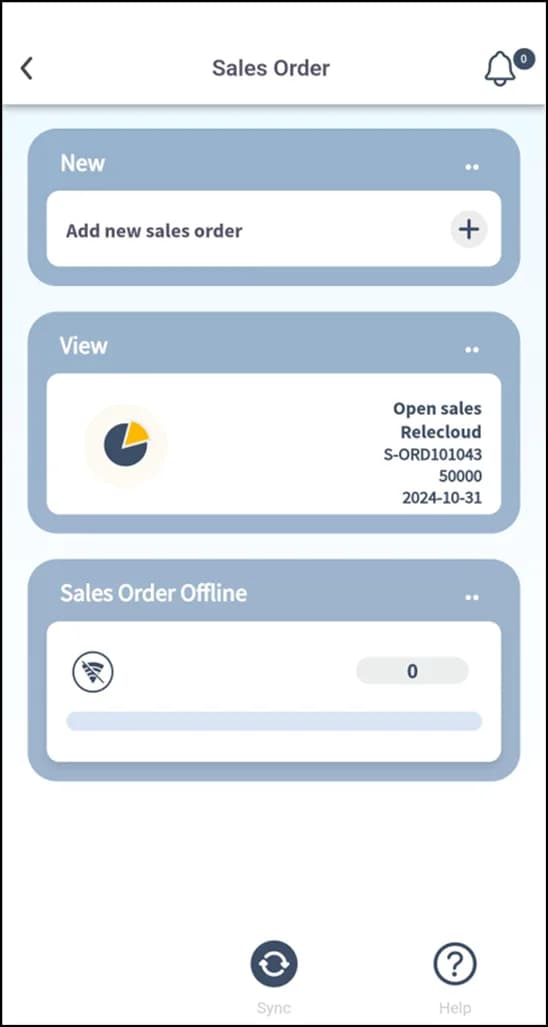
Customers, items and prices are cached on the device; orders captured without signal are synchronized as Business Central sales orders when the connection returns.
Specifications
| Business Central documents | Sales Order, Sales Return Order, Sales Invoice, Sales Credit Memo |
|---|---|
| Data on device | Customers, items, variants, units of measure, prices, locations, availability |
| Line entry | Search or barcode (camera / Zebra scanner) |
| User requirements | Sales permissions in Business Central; listed in Salespeople/Purchasers; salesperson linked in Admin Center |
| Works offline | Yes — capture offline, sync later |
FAQ
Frequently asked questions
Put your AI, Business Central and Dynamics 365 CRM to work together
Book a 2-hour MCP discovery workshop, or start the 30-day trial of Plur-e Mobile from AppSource.