

Platform · Admin Center
Configure environments, users, roles, printers and billing in one place
Sign in with Microsoft Entra ID. Everything a Plur-e deployment needs lives in nine sections.
Quick answer
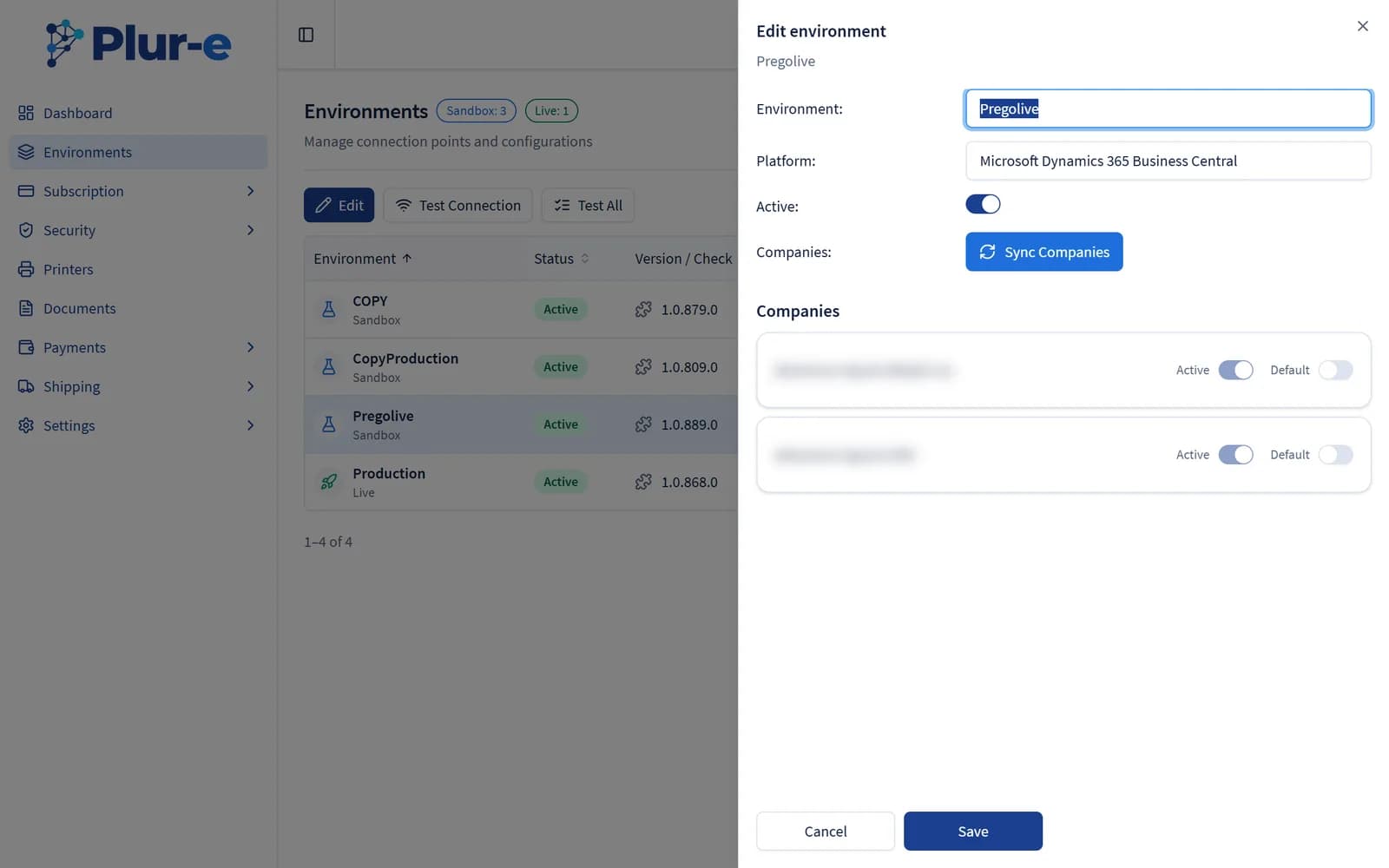
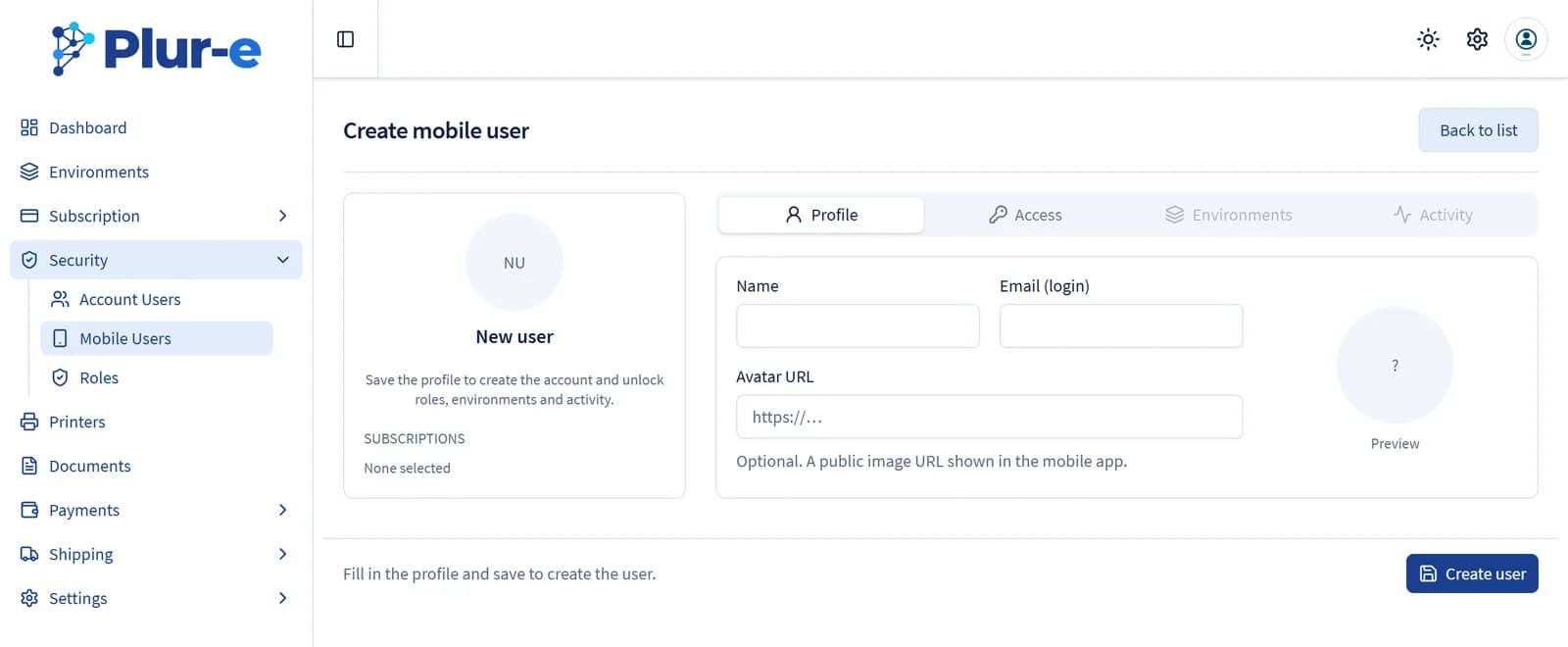
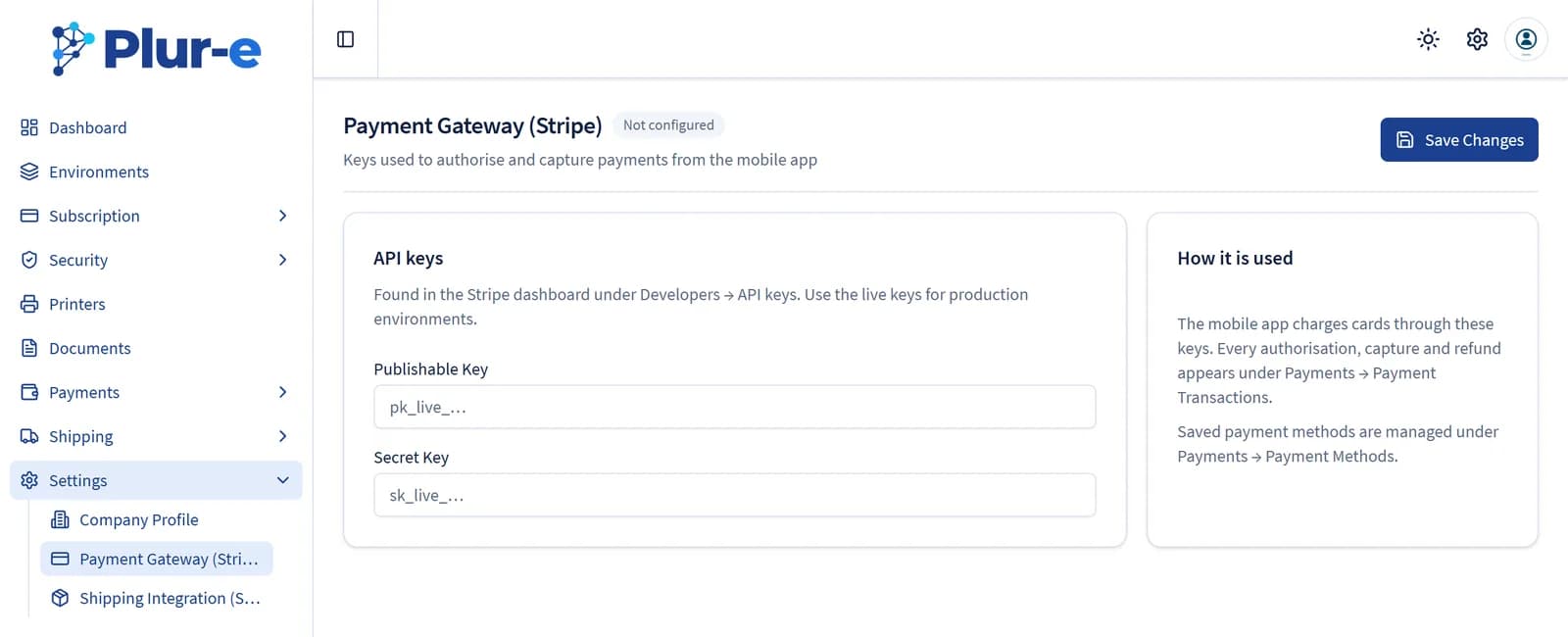
The Plur-e Admin Center (admincenter.plur-e.com) is the web console for customers and partners: Environments (connect and test Business Central environments), Subscription (Stripe customer portal), Security (mobile users with permissions, roles and linked salesperson; reset, activate, deactivate), Roles per environment, Printers (with printer keys), Documents (print history and reprint), Payments (methods mirrored from Business Central journal batches, Stripe keys) and Shipments (ShipStation API and transactions).
Mobile setup should not require a developer
Adding a warehouse user, enabling a module or pointing a printer to a new PC is an administrator's job, not a support ticket. The Admin Center makes it a form.
How it works
Admin Center: how it works
Receive the welcome email
After the extension is installed, Plur-e Support confirms the environment and sends the Admin Center link.
Check the environment
Environments shows the connected Business Central environment; edit it and use Test connection.
Create users and roles
Security → Create user (temporary password by email); Roles → per environment, enable the modules each role can use.
Configure printers, payments and shipping
Printers with their keys; payment methods mirrored from Business Central plus Stripe keys; ShipStation API under Shipments.
What this posts in Business Central
| Plur-e action | Business Central |
|---|---|
| — | Configuration only; no Business Central posting |
Offline behaviour
Web application; requires connectivity.
Specifications
| URL | admincenter.plur-e.com |
|---|---|
| Sign-in | Microsoft Entra ID |
| Sections | Environments · Subscription · Security · Roles · Printers · Documents · Payments · Shipments · User preferences |
| Audience | Customer administrators and partners (multi-tenant) |
FAQ
Frequently asked questions
Put your AI, Business Central and Dynamics 365 CRM to work together
Book a 2-hour MCP discovery workshop, or start the 30-day trial of Plur-e Mobile from AppSource.