

License plates on receipt
Receive with license plates in Plur-e Mobile — New LP, scan UPC, enter quantity and serials, save, review with List LP, remove items, then post the receipt.
Quick answer
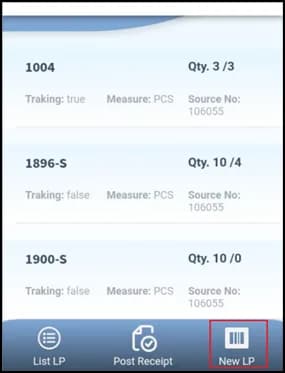
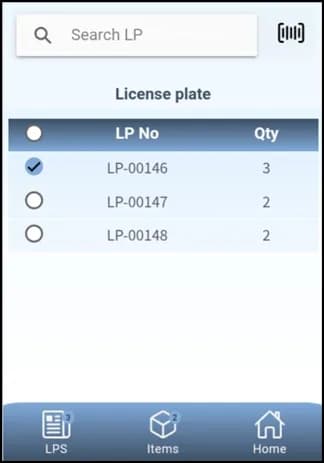
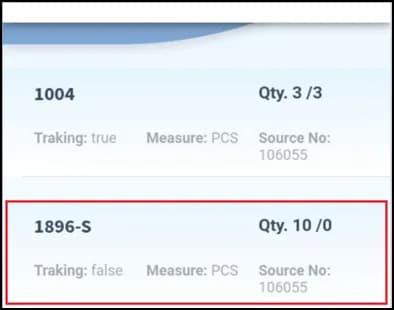
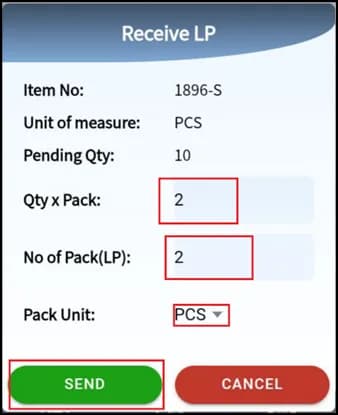
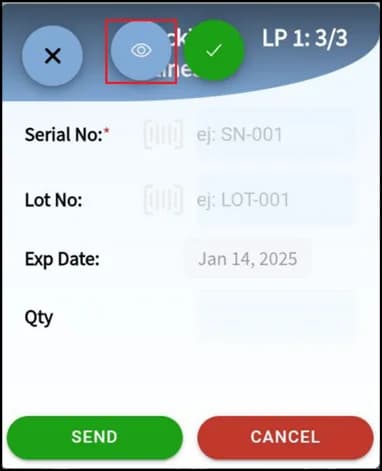
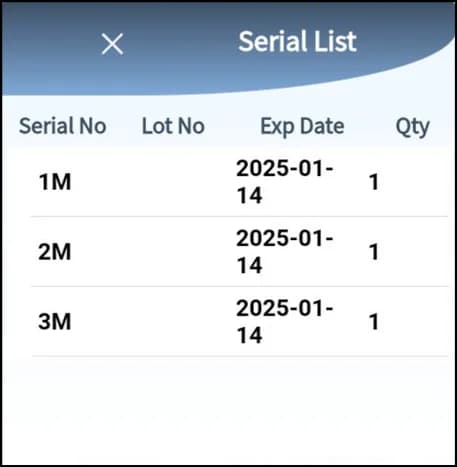
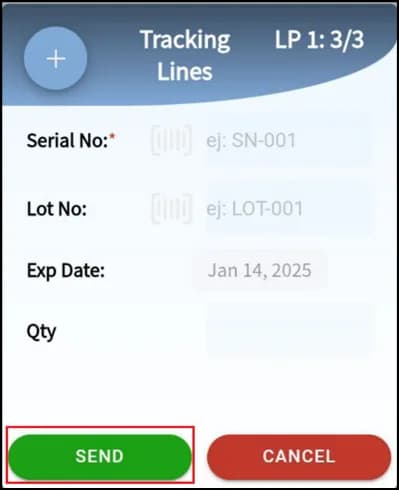
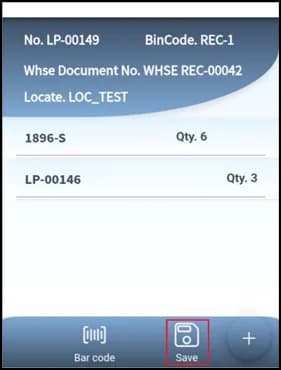
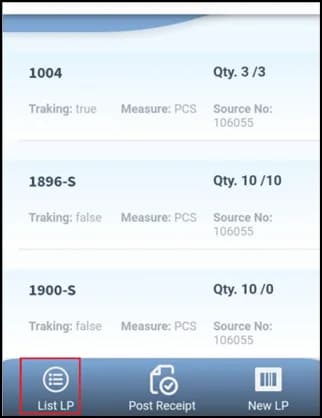
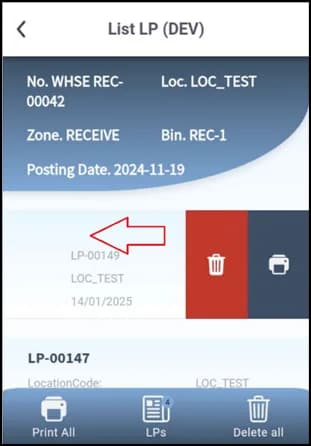
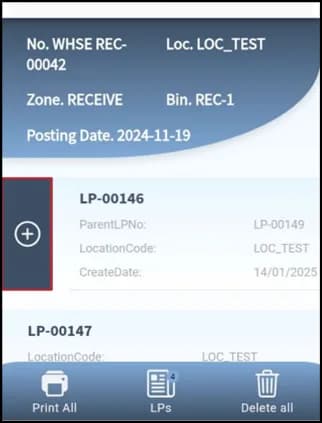
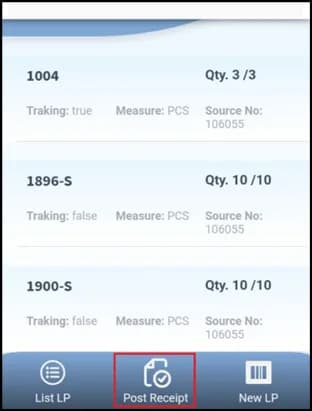
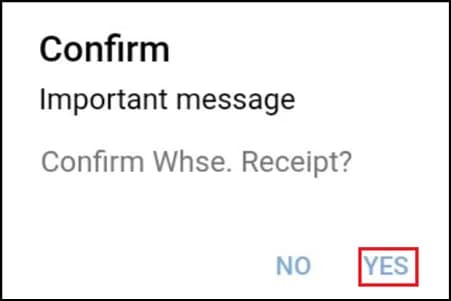
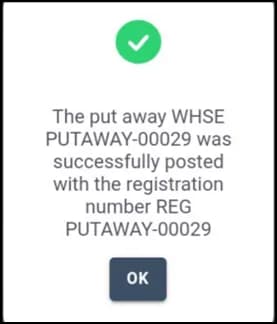
In Warehouse → Receive, open the receipt and tap New LP. Scan the item's UPC, enter the quantity and scan serials if the item is serialized, then Save the license plate. List LP shows all plates and lets you remove items. When every LP is created, post the whole receipt.
What this posts in Business Central
| Plur-e action | Business Central |
|---|---|
| Post receipt with LPs | Posted Warehouse Receipt; license plates with their items available for put-away and pick |
Roadmap
The Plur-e design documents describe further use cases planned for a future release: receiving one or several purchase orders; reading PO, item and quantity per LP; LP states Received → Labeled → Stored; reprinting an LP label; LP list; receipt and put-away details; reversing a receipt or put-away with standard Business Central tools (Undo lines, Item Journal). See the roadmap.
Related: Warehouse receipt · License plates on shipment
Last updated on
Edit on GitHubPackages (pick and pack)
Create shipping packages while picking in Plur-e Mobile — start the pick from the shipment, scan UPC or serial, create packages, add items, save and register the pick.
License plates on shipment
Ship with license plates — create the sales order and warehouse shipment, assign the user, create the pick, assign license plates to the warehouse pick, register and post.