

Reference: sales documents in Business Central
How sales orders, invoices, return orders and credit memos work in standard Business Central, with links to Microsoft Learn — the documents Plur-e creates.
Quick answer
Business Central records a sale as a Sales Order (agreement to deliver), invoices it with a Sales Invoice (updates ledger and inventory), handles returns with a Sales Return Order and reverses or corrects posted invoices with a Sales Credit Memo. Plur-e creates these same documents from the phone.
Sales order
- Optionally start with a Sales Quote and convert it.
- Create the order with customer, address, payment and delivery terms.
- Add lines: item number, quantity, price, discounts.
- Use Order Promising for realistic delivery dates and send an Order Confirmation.
- Partial shipments update Quantity Shipped per line; drop shipments name the supplier.
- Post the order to create the invoice. Unpaid invoices can be corrected or cancelled; paid ones need a credit memo.
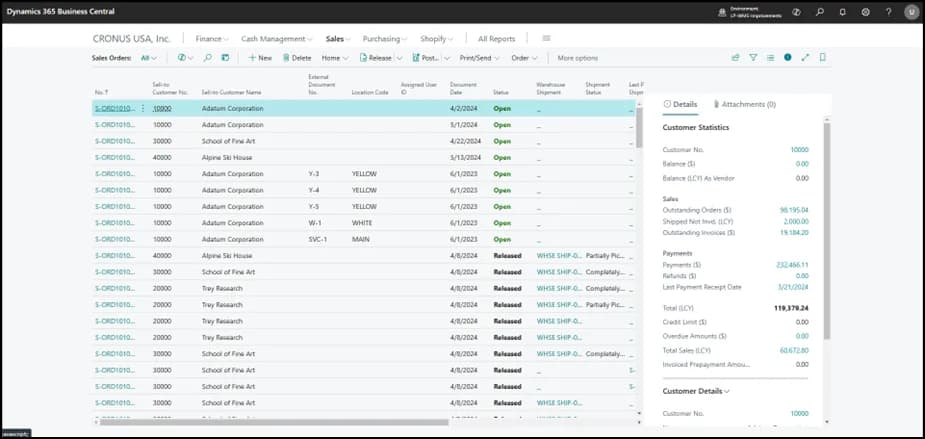
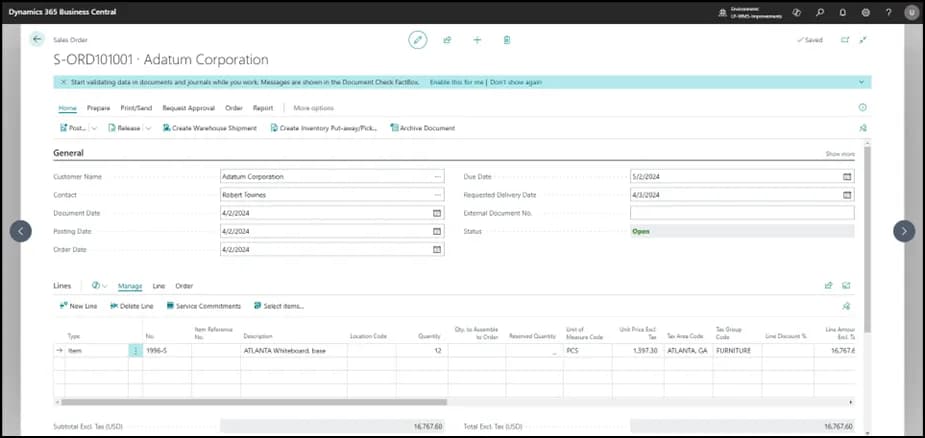
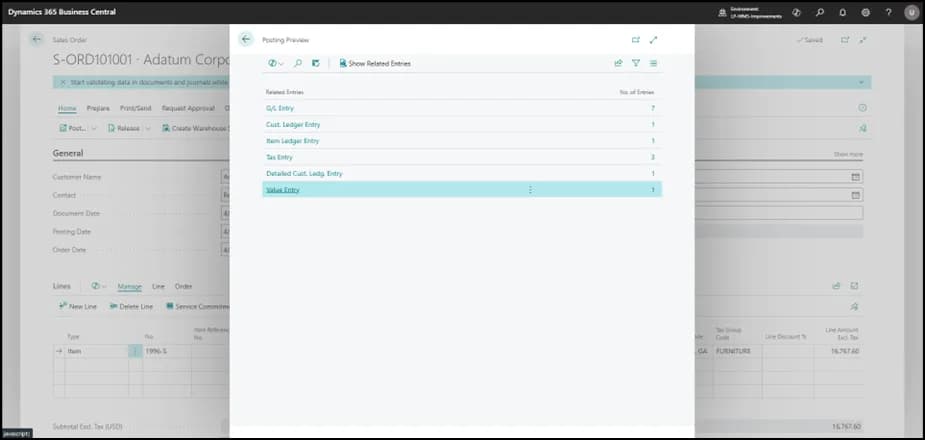
Microsoft Learn: Sell products
Sales invoice
Create it from an order or from scratch, add lines, post it to update the general ledger and inventory. Correct or cancel while unpaid; use a credit memo once paid.
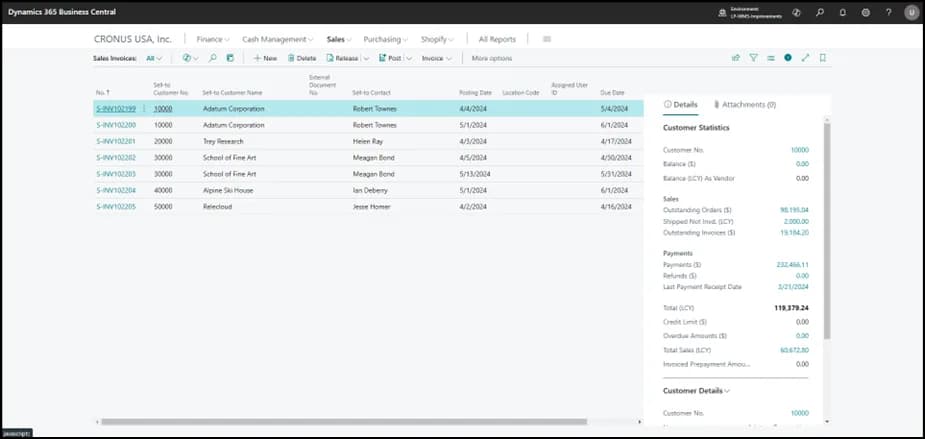
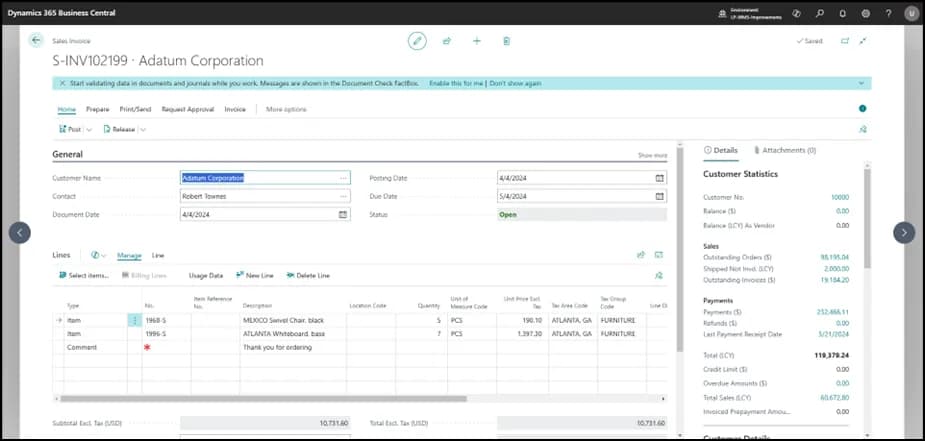
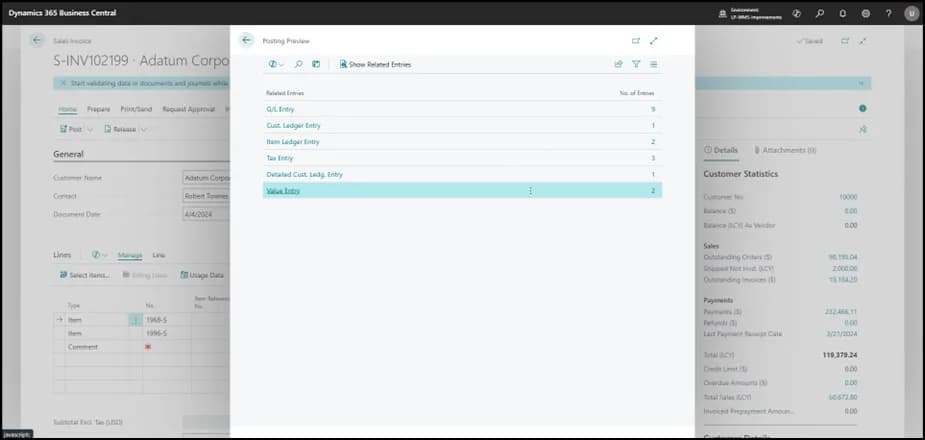
Microsoft Learn: Invoice sales
Sales return order
Create the return order, use Copy Document to pull lines from the original invoice or order, add return reasons, then post to receive the goods and update inventory.
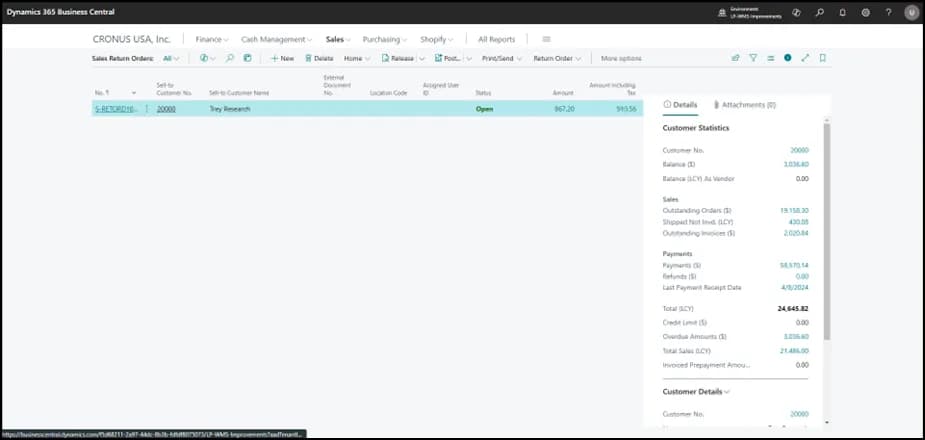
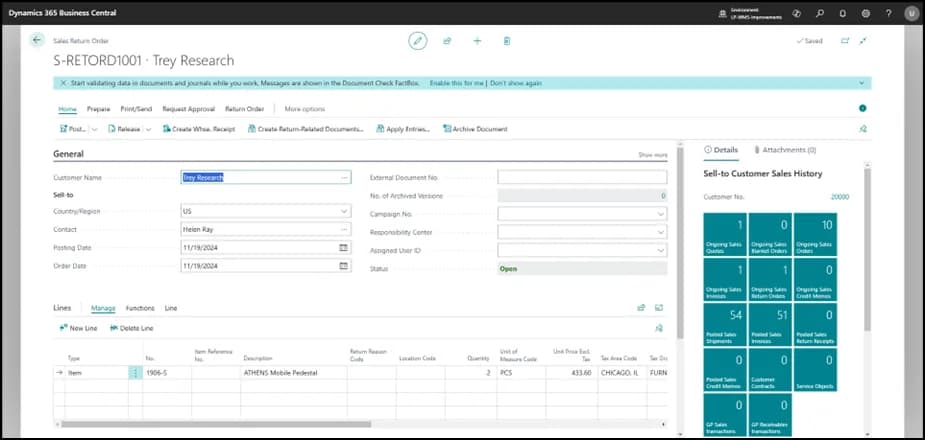
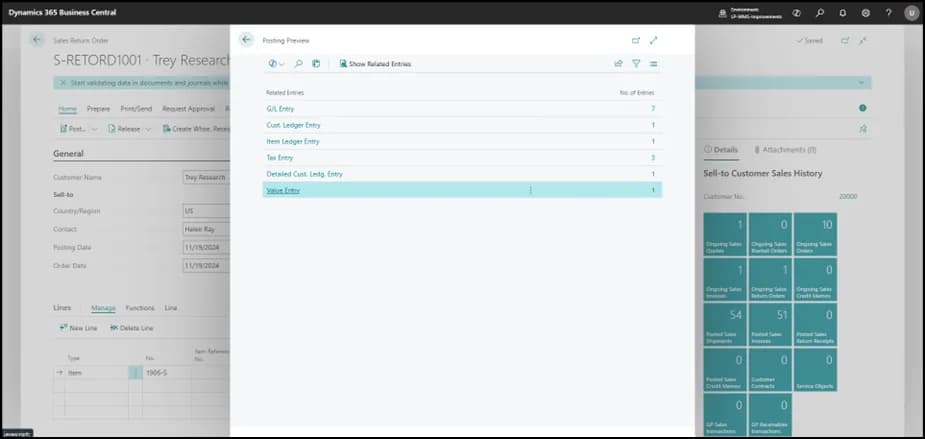
Microsoft Learn: Process sales returns
Sales credit memo
From an unpaid posted invoice use Create Credit Memo; adjust the lines; choose to cancel or recreate the original invoice; post.
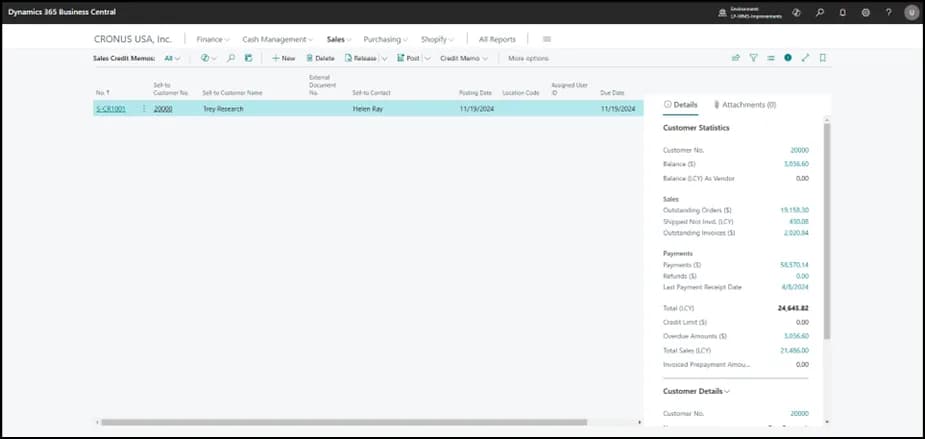
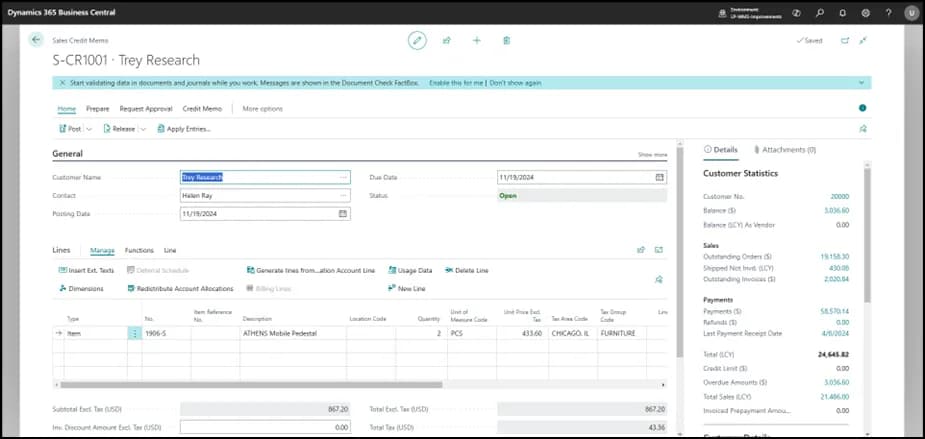
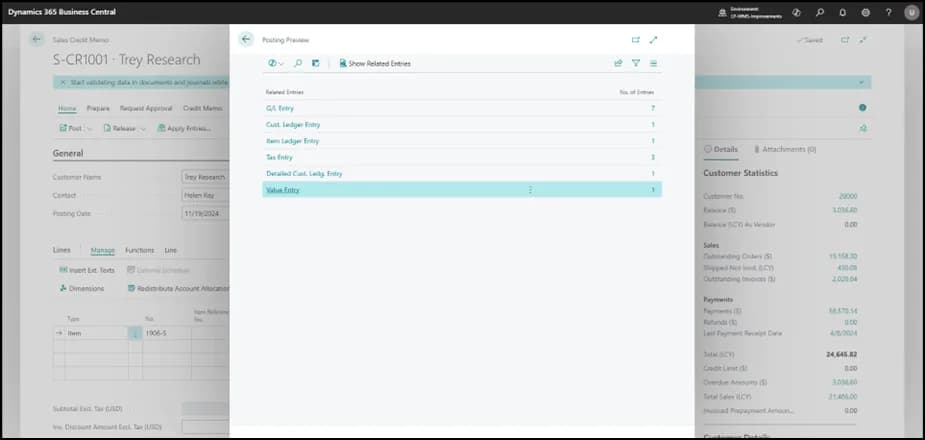
Also see the Business Central documents map.
Last updated on
Edit on GitHubSales credit memos
Create a sales credit memo in Plur-e Mobile against an original invoice — customer lookup, items from the original document or by scan, return location and quantity.
Payments module
Take payments for posted sales invoices in Plur-e Mobile — one or many invoices at a time — using payment methods defined as General Journal Batches in Business Central and mirrored in the Admin Center.