

Manage documents for the Chat Bot
Import, type, source and delete the documents the Chat Bot Assistant uses to answer — Manage Documents → Actions → Import Document in Business Central.
Quick answer
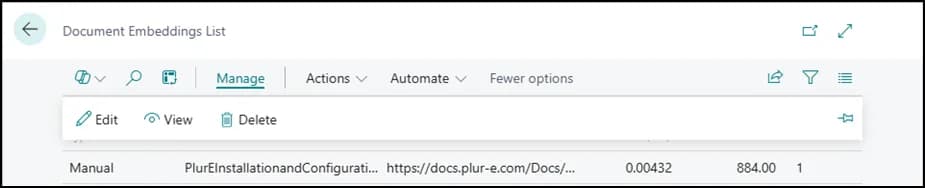
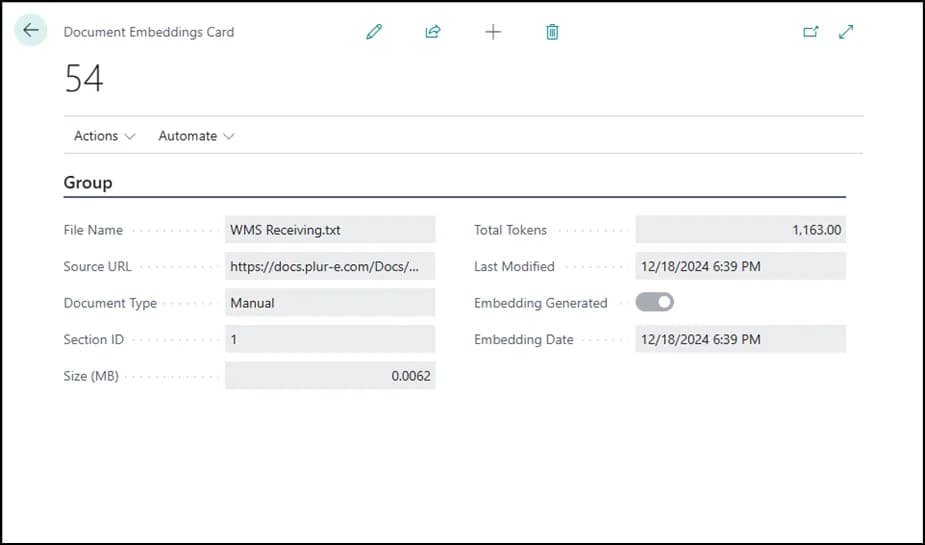
Open Manage Documents, select Actions → Import Document, import the file into the chatbot database, set the document type and say whether it has a source URL. From the same list you can view, edit or delete documents.
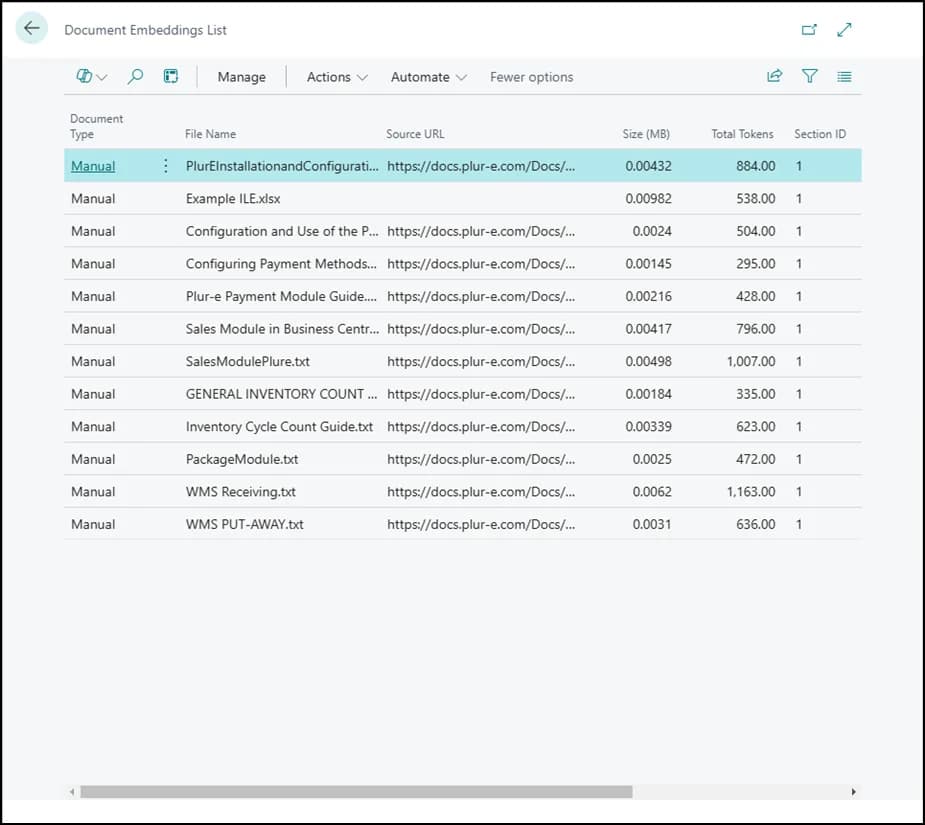
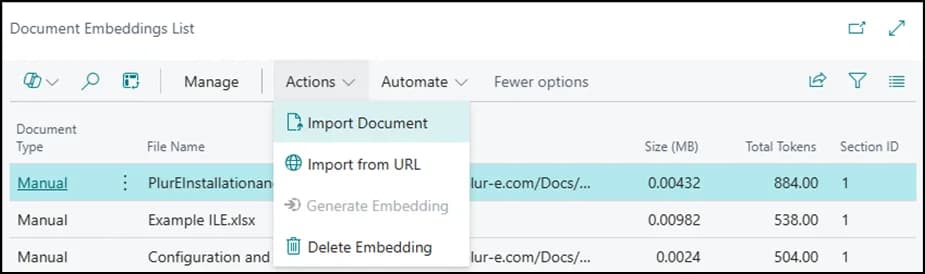
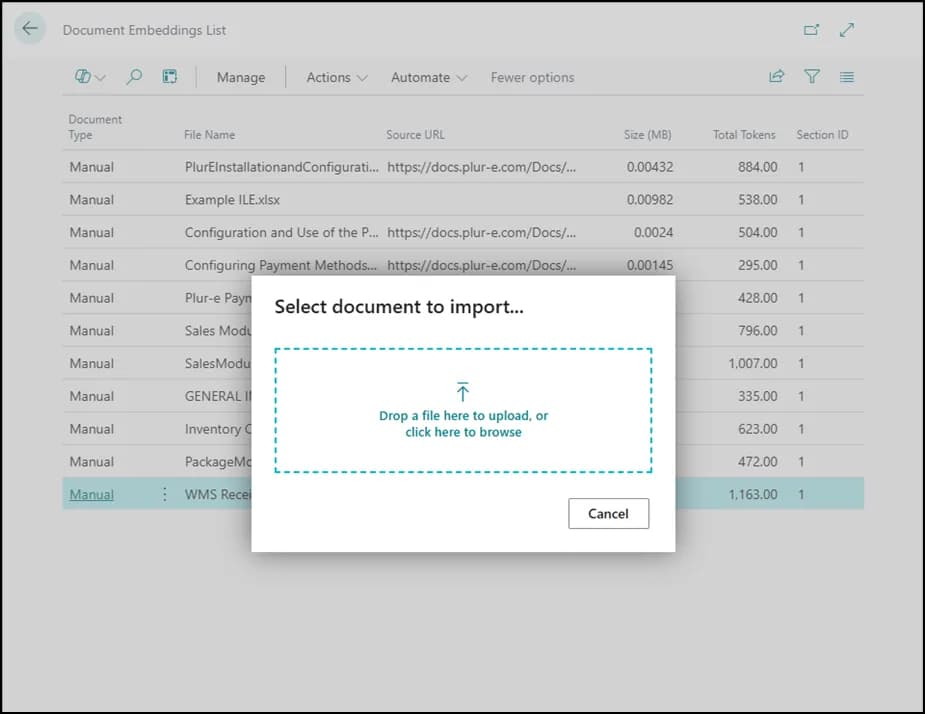
Set the type and source
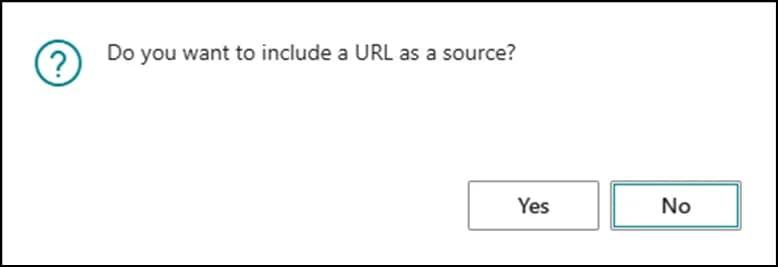
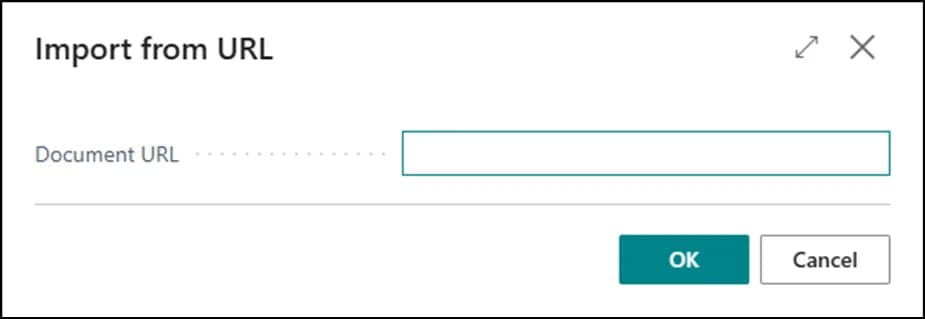
Choose the document type. When asked whether it has a source URL, select Yes and paste the URL, or No to import without a source.
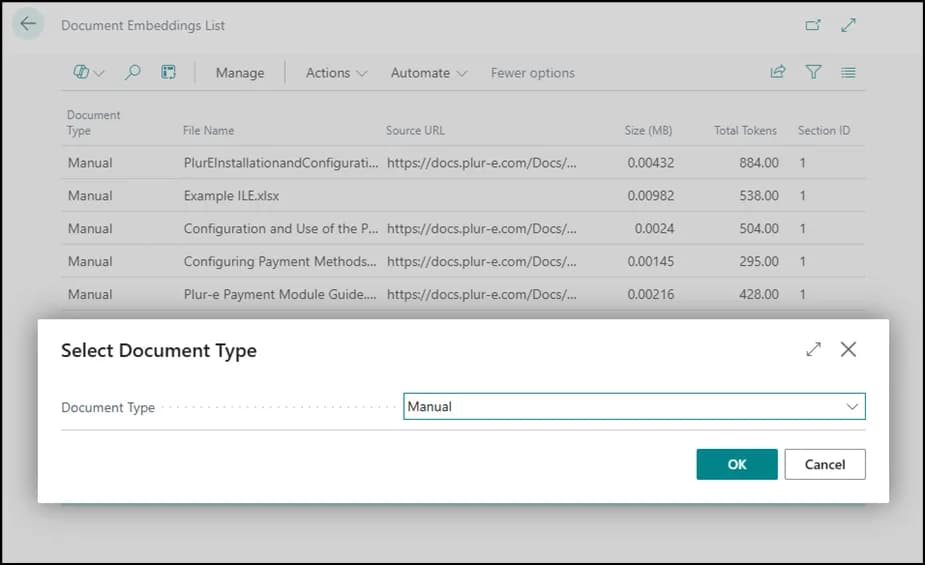
Data handling
Documents you import are sent to the AI provider powering the Chat Bot Assistant to generate answers. Do not upload documents with personal or confidential data unless your data agreement with that provider covers it.
Last updated on
Edit on GitHubChat Bot Assistant
The Plur-e Chat Bot Assistant inside Business Central, connected to the AI provider, answers questions about the processes Plur-e manages using the documents you upload.
Install Plur-e Printer
Install the Plur-e Printer desktop app on the Windows PC connected to your printers — download it from the Admin Center, run the installer and link the computer with an enrollment code so Plur-e Mobile and Business Central can print locally.